Your AI coding agent, now in your pocket
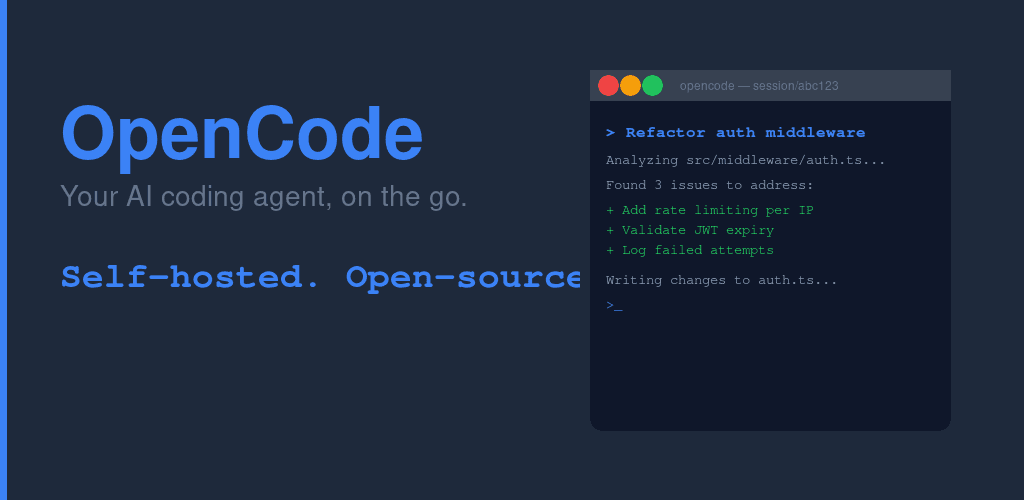
OpenCode is a free, open-source Android app that puts your opencode AI coding sessions in your hand. Connect to your own server over LAN, Cloudflare Tunnel, ngrok, or Tailscale. Review diffs, approve tool calls, and guide Claude or GPT-4 from anywhere. Your keys, your server, your code.
Currently in internal testing on Google Play. Join the tester program or build from source.
┌──────────────────────────────┐
│       OpenCode Mobile        │   ← this app (Android)
│      cc.agentlabs.opencode   │
└──────────────┬───────────────┘
               │  HTTP + SSE
               │  LAN / Tunnel / Tailscale
               ▼
┌──────────────────────────────┐
│     opencode server          │   ← your laptop / VPS
│  github.com/sst/opencode     │
└──────────────┬───────────────┘
               │  API calls (your keys)
               ▼
┌──────────────────────────────┐
│   Your AI provider           │
│  Claude / GPT-4 / Gemini     │
└──────────────────────────────┘
The app is a thin client. All AI inference runs on your server. Your API keys and source code never touch Agent Labs infrastructure.
Features
Everything you need to control your AI coding agent remotely.
Real-Time Streaming Chat
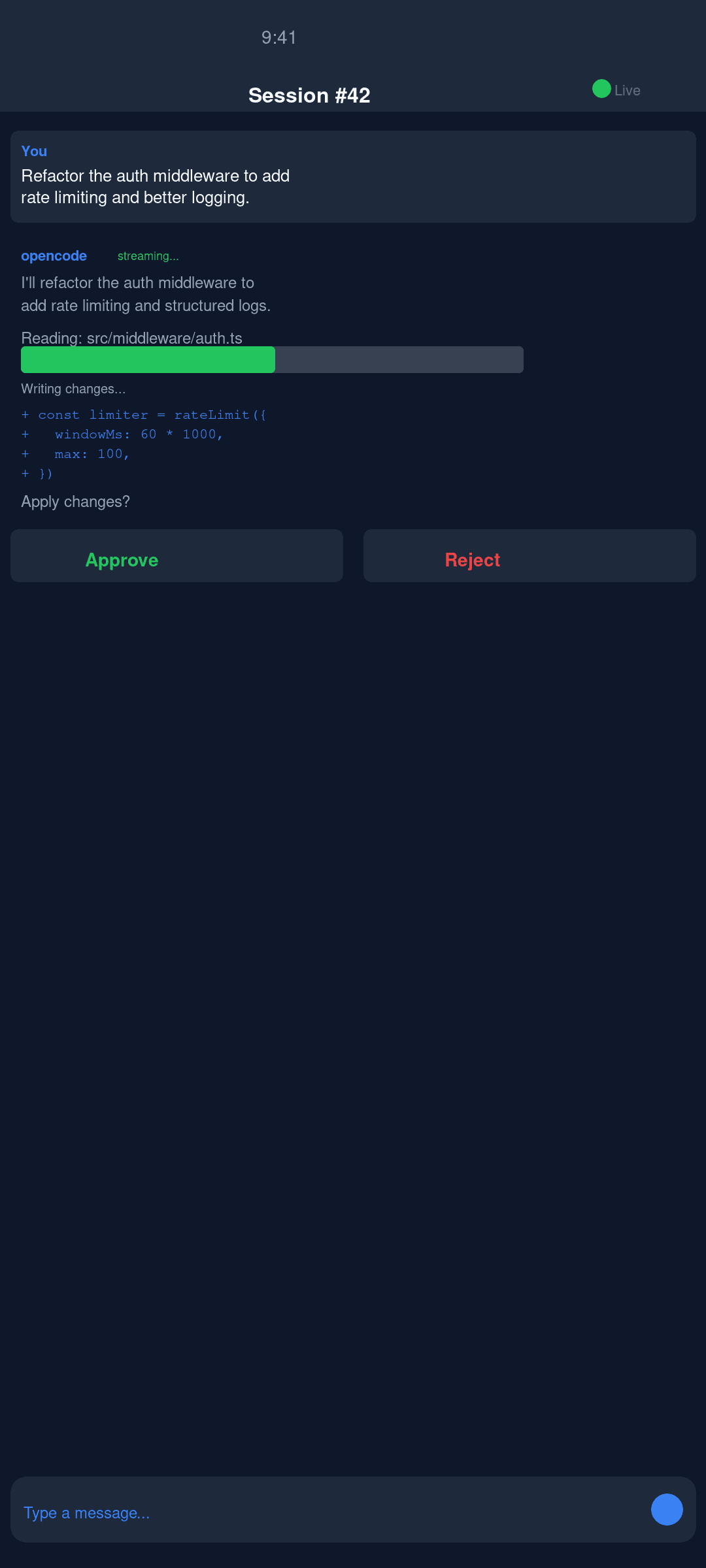
Token-by-token streaming from your self-hosted opencode server. Watch Claude, GPT-4, or Gemini think and respond in real time — no polling, no waiting.
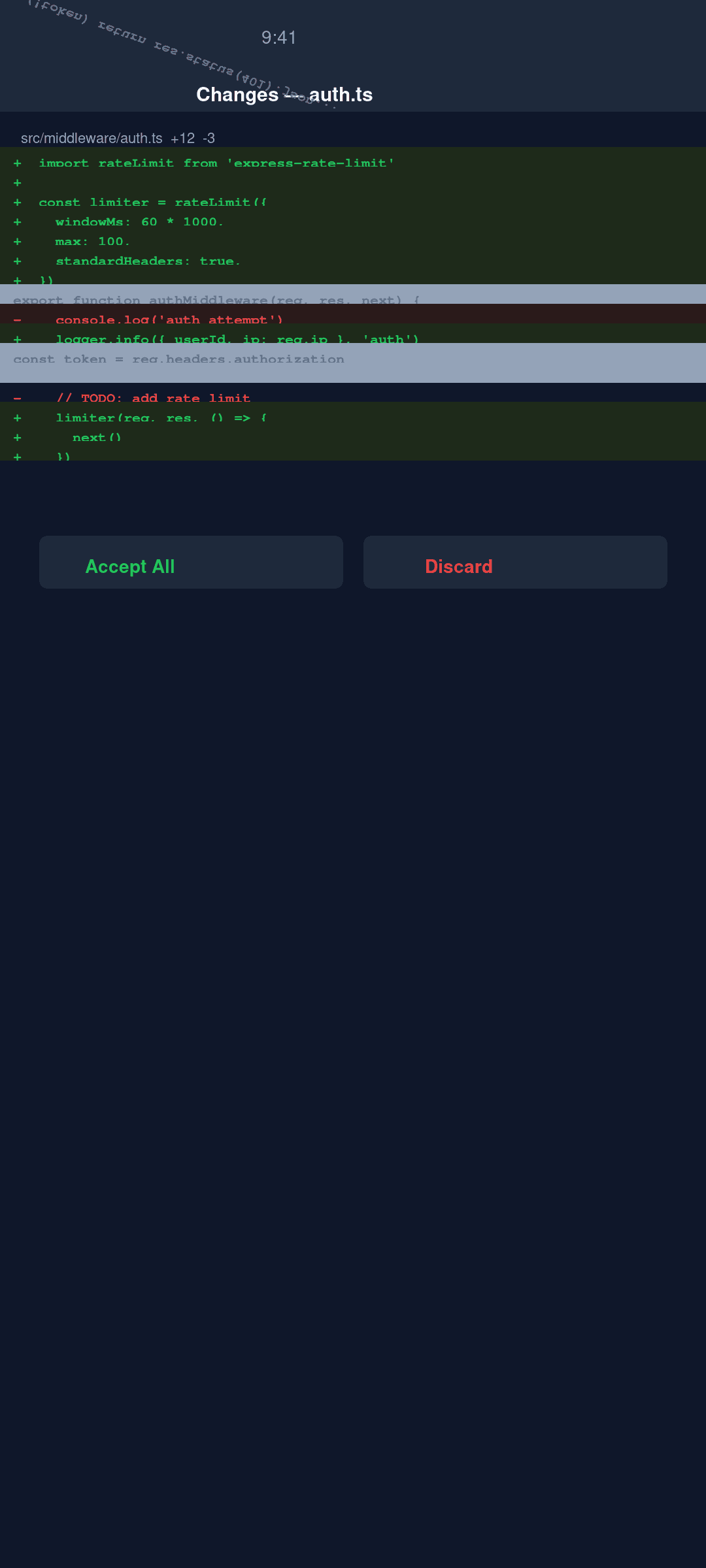
File Diff Viewer
Inline side-by-side diffs for every code change the agent proposes. Review exactly what will change before approving the write.
Tool Call Approval
Review and approve — or reject — every tool call (file writes, shell commands) before the agent executes it. You stay in control.
Multi-Connection
Connect over your local network, a Cloudflare Tunnel, ngrok, or Tailscale VPN. Manage multiple servers at once. opencode Cloud coming soon.
Biometric Unlock
Face ID or Android fingerprint protects the app and individual message sends. Nothing leaves the device without your biometric confirmation.
Secure Credential Storage
Server credentials are stored in the Android Keystore — never in plain-text files or shared preferences.
Screenshots
See it in action.
Connectivity Options
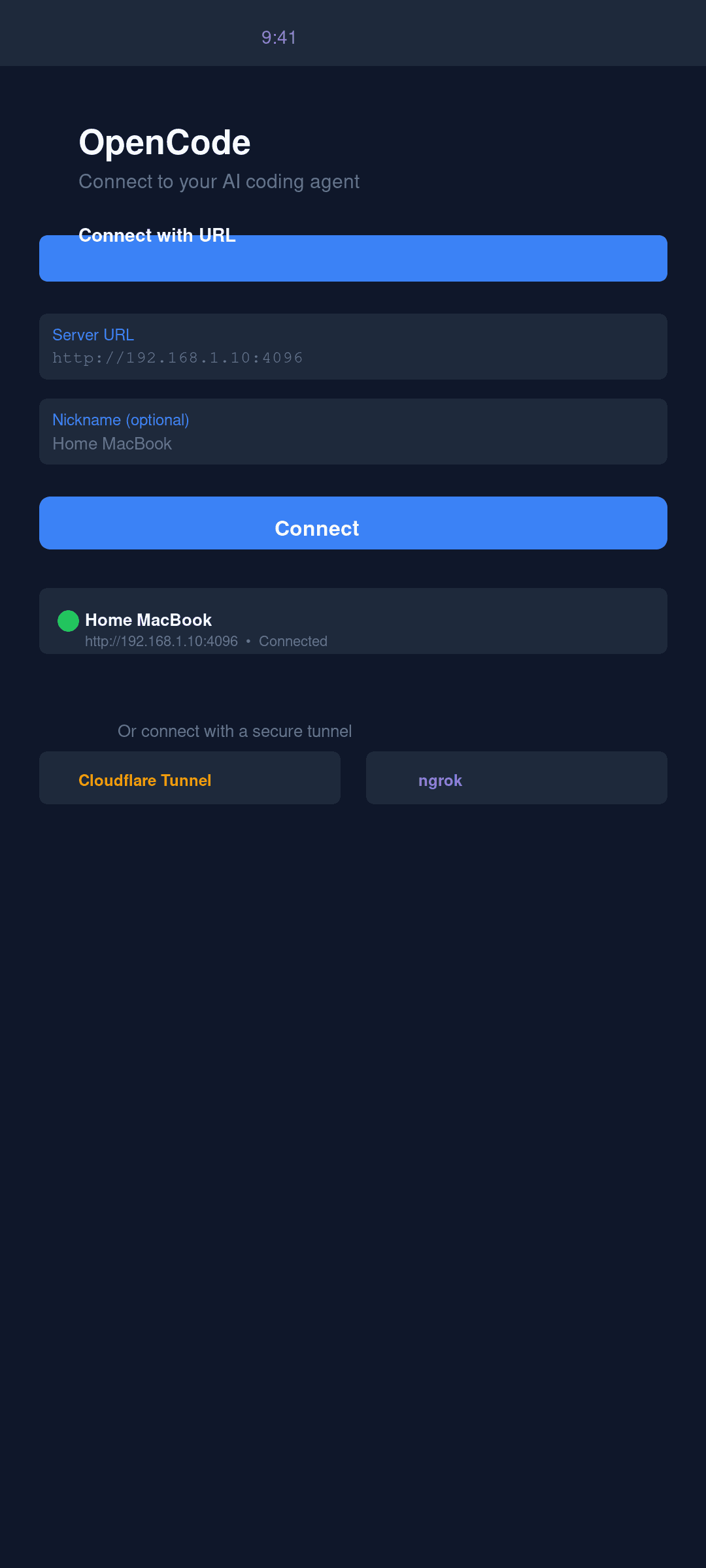
Add a connection in the app, pick the type that fits your setup, and you're in.
http://192.168.1.100:4096Direct LAN connection — fastest option when you're on the same Wi-Fi.
https://my-opencode.trycloudflare.comZero-config public HTTPS tunnel. Works through firewalls and NAT. Free.
https://abc123.ngrok.ioBattle-tested tunnel. Free tier covers development usage.
http://100.x.x.x:4096End-to-end encrypted mesh VPN. Best for permanent remote access.
coming soonOne-tap managed hosting — no server to run. On the roadmap.
Quick Start
Up and running in three steps.
- 1
Start opencode in server mode on your machine
# Install opencode
npm install -g opencode-ai

# Run in server mode
opencode serve
- 2
Install OpenCode on your Android phone
Get on Google PlayCurrently in internal testing. Or build from source.
- 3
Add a connection in the app
Tap Add Connection, choose your connection type (LAN, tunnel, or Tailscale), enter the server URL, and tap Connect.
Frequently Asked Questions
Does OpenCode Mobile need a subscription?
No. It's completely free, open source (MIT), no ads, no feature gates. Bring your own opencode server and API keys.
Is my code sent to your servers?
No. The app is a thin client — all AI inference runs on your own opencode server. Your code, prompts, and responses never touch Agent Labs infrastructure.
What AI models does it support?
OpenCode Mobile connects to your opencode server, which supports Claude, GPT-4, Gemini, and local LLMs via Ollama. Model choice is configured on your server.
How do I connect when I'm away from home?
Use Cloudflare Tunnel (zero-config, free), ngrok, or Tailscale VPN. All three let you reach your server securely from anywhere without opening firewall ports.
Is iOS supported?
The Android app is available now. iOS is on the roadmap. You can also build from source on GitHub.
Free and open source
MIT licensed. No telemetry you didn't opt into. No ad network. No subscriptions. Your server, your keys, your code. Contributions welcome.